How much memory for MacBook Pro: 24GB, 48GB, 64GB, or 128GB?
Can you edit video on MacBook Air? M5, memory, and Pro limits

About the Author
Sesera editorial account organizes laptop, mini PC, smartphone, and gadget buying guides so readers can check the important points before buying.
Yes, you can edit video on a MacBook Air if the projects are short, the timeline is simple, and portability is part of the reason you are buying the laptop.
The limit shows up when video editing stops being an occasional task. Long 4K timelines, multicam footage, heavy effects, color work, and repeated exports push the Air into the part of the job where a MacBook Pro, Mac mini, or GPU desktop starts to make more sense.
The short version: MacBook Air is a good portable editing laptop, but I would not buy the cheapest configuration for video. If editing matters, start around 24GB memory, 1TB SSD, and the better GPU option. Move to MacBook Pro when editing is weekly work or paid delivery.
Start with the editing job
Before choosing memory or storage, look at the kind of video you actually make. A two-minute social clip and a 35-minute 4K project are both “video editing,” but they do not put the same pressure on the laptop.
MacBook Air is strongest when the project starts and finishes quickly. Cutting travel clips, school projects, simple YouTube videos, work explainers, screen recordings, and short 4K footage fits the Air’s role well.
It becomes a weaker choice when the laptop has to sit in an editor for hours, render effects, manage several camera angles, and export on a deadline. That is where the Pro machines are easier to justify.
| Editing work | MacBook Air fit | Better call |
|---|---|---|
| Social clips and Reels | Strong | MacBook Air is fine |
| School or work videos | Strong | Choose by size and storage |
| Short YouTube videos | Good | Use 24GB if editing is regular |
| Light 4K projects | Good with the right config | Start at 24GB and 1TB |
| Long weekly projects | Mixed | Compare MacBook Pro first |
| Multicam or client work | Limited | Move up to Pro or desktop |
| 3D, VFX, GPU rendering | Weak | Look at stronger hardware |
If video is one part of a normal student, office, or creator workload, the Air can work well. If video is the reason the computer earns its money, start the comparison higher.
M5 Air has enough editing speed
For light and moderate editing, the current M5 MacBook Air has enough raw speed. Apple lists M5 with a 10-core CPU, an 8-core or 10-core GPU option, a 16-core Neural Engine, 153GB/s memory bandwidth, and media engines for H.264, HEVC, ProRes, ProRes RAW, and AV1 decode.
That matters because a lot of video work is not pure CPU work. If your footage uses formats the media engine handles well, short edits and basic 4K timelines can feel responsive on a small, quiet laptop.
The chip is not the only bottleneck. A small SSD, too little memory, a cramped screen, a slow external drive, or long sustained exports can make a fast laptop feel tight. Buy around the full editing setup, not just the processor name.
Source: Apple MacBook Air technical specifications.
Use Final Cut Pro as a comfort check
Final Cut Pro is a good way to judge the Air because it is built for Mac and Apple silicon. Apple says the Mac version requires macOS 15.6 or later, 8GB of memory, and 16GB is recommended. The MacBook Air starts above that memory minimum, so the question is not whether it can launch the app.
For buying, focus on how much room you want while editing. If Final Cut Pro, Photos, Safari, cloud sync, notes, and audio tools are open together, memory starts to matter. If you edit every week, I would not treat 16GB as the comfortable target just because the app can run on less.
Final Cut Pro also does not erase storage pressure. Libraries, cache, render files, and exports grow quickly. That is why the memory and SSD choice matters more than the fact that M5 itself is fast.
Source: Apple Final Cut Pro requirements.
Choose 15-inch for timeline space
Choose the 13-inch MacBook Air when the laptop travels every day and editing is occasional. It is the easier size for commuting, campus, cafes, and one-bag travel.
Choose the 15-inch Air when you often edit on the built-in screen. Video editing needs space for the viewer, timeline, media browser, inspector, captions, notes, and file windows. The 13-inch model can do it, but the workspace gets tight quickly.
If you mostly edit at a desk, an external monitor changes the decision. A 13-inch Air plus a good monitor can be a better setup than carrying the larger model every day.
| Setup | Best fit | Editing judgment |
|---|---|---|
| 13-inch Air | Daily travel, quick edits | Best when portability is the point |
| 15-inch Air | Editing on the built-in display | Better timeline space |
| Air plus external monitor | Home editing and travel | Best split if you have a desk |
Related guide: MacBook Air 13-inch or 15-inch: which size should you buy?
Pick memory before storage extras
For video editing on MacBook Air, I would decide memory early. Apple lists 16GB unified memory as the starting point, with 24GB and 32GB options. You cannot add unified memory later.
Choose 16GB only when editing is occasional and short. It can handle simple projects, but you will want to close browser tabs and background apps more often.
Choose 24GB when video editing is a real reason you are buying the laptop. It gives the editor, browser, notes, media tools, and export process more room. Choose 32GB if this will be your only Mac for several years and you expect regular 4K footage or heavier creative apps beside the editor.
| Memory | Best fit | Buying call |
|---|---|---|
| 16GB | Occasional short edits | Works for a light setup |
| 24GB | Regular short videos and light 4K | The practical starting point |
| 32GB | Only Mac, longer use, heavier apps | The strongest Air choice |
Related guide: How much memory for MacBook Air: 16GB, 24GB, or 32GB?
Treat 512GB as occasional editing
Video editing fills storage faster than normal laptop work. Footage, project libraries, cache, render files, audio, thumbnails, and exported versions all grow at the same time.
Apple lists MacBook Air storage from 512GB, configurable to 1TB, 2TB, or 4TB. For occasional short videos, 512GB can work if you use external storage and clean up finished projects. For regular editing, I would start at 1TB.
Choose 2TB or more only when you know you want a large local media library. If the upgraded Air gets close to a MacBook Pro or Mac mini in total price, compare the whole machine again before paying only for more internal SSD.
| SSD | Best fit | Buying call |
|---|---|---|
| 512GB | Occasional short videos | Use an external SSD early |
| 1TB | Regular video editing | The better Air starting point |
| 2TB or more | Large local footage | Buy only with a clear reason |
Related guide: How much SSD storage for MacBook Air: 512GB, 1TB, 2TB, or 4TB?
Use external storage for projects
Even if you buy 1TB, external storage is still part of a good editing setup. Keep current projects, archived footage, and backups separated so the internal SSD does not become the only place everything lives.
The MacBook Air has two Thunderbolt 4 ports with support for DisplayPort, Thunderbolt 4 up to 40Gb/s, and USB 4 up to 40Gb/s. That is enough for fast storage and display setups, but it also means ports disappear quickly once you add a monitor, external SSD, card reader, charger, and audio gear.
If you edit mostly at home, budget for the desk setup. A good external monitor, fast SSD, card reader, and simple hub can matter more than one more small upgrade inside the laptop.
Related guide: Best external monitor for a laptop: 24 vs 27 inch, USB-C, HDMI, and 4K.
Move to Pro for sustained editing
Choose MacBook Pro when editing is not a side task. Weekly long videos, paid work, multicam timelines, heavy effects, advanced color work, and time-sensitive exports all make the Pro easier to justify.
The difference is not only benchmark speed. MacBook Pro gives more sustained performance, more configuration headroom, stronger display options, more ports, and higher memory ceilings. Apple lists MacBook Pro options up to M5 Pro and M5 Max, with higher memory bandwidth and larger memory configurations than the Air.
If you want a portable everyday Mac that can edit, buy the Air. If editing decides the purchase, start with the Pro.
Source: Apple MacBook Pro technical specifications. Related guide: MacBook Pro or Mac mini for creative work and development.
Use Mac mini if portability is not needed
If you edit in one place, Mac mini can be the better value. You can spend more of the setup budget on a larger display, external storage, keyboard, mouse, speakers, and a cleaner desk.
MacBook Air wins when the same computer has to move between home, campus, work, and travel. Mac mini wins when the editing machine can stay on a desk and you want the setup to feel less cramped.
If you are comparing Apple devices for video work, the related guides on iPad Air video editing and iPad Pro video editing help separate tablet editing from laptop editing.
Check Windows for GPU-heavy apps
If you mainly use Final Cut Pro, the Mac path is clean. If your work depends on Premiere Pro, DaVinci Resolve, After Effects, Blender, game capture, or NVIDIA GPU features, compare Windows creator laptops and desktops too.
This is not a reason to avoid MacBook Air for simple editing. It is a reason to let the software decide the hardware class. Some workflows care more about a dedicated GPU than about having the lightest Mac.
Comparison route: Specsy video editing PC list.
The Air configuration I would start with
If I were buying a MacBook Air partly for video editing, I would start with the 15-inch model, 24GB memory, 1TB SSD, and the 10-core GPU option. That keeps the Air in its best role: portable first, capable enough for real short-form editing.
If budget is tight and editing is occasional, 13-inch, 16GB memory, and 512GB SSD can work. I would buy that setup only with a clear external-storage plan and a realistic expectation that projects stay short.
If the upgraded Air gets expensive, pause before checkout. The most expensive Air is not always the smartest editing Mac. At that point, compare MacBook Pro, Mac mini, and a Windows creator PC on the full workload.
Frequently asked questions
Is MacBook Air good for video editing?
Yes, for short YouTube videos, social clips, school projects, work explainers, travel videos, screen recordings, and light 4K projects. It is not the best main machine for long timelines, multicam work, heavy effects, or paid weekly production.
Can MacBook Air edit 4K video?
Yes, if the 4K projects are simple and the configuration is not too small. For regular 4K editing, start around 24GB memory and 1TB SSD. Move to MacBook Pro or a desktop when the projects are long, effect-heavy, or deadline-driven.
How much memory should I get for video editing?
Use 16GB only for occasional short edits. Choose 24GB as the practical starting point for regular video work. Choose 32GB if the Air will be your only Mac for several years and you expect 4K footage or heavier creative apps.
Is 512GB enough for MacBook Air video editing?
512GB is enough only for occasional short videos with an external SSD and regular cleanup. For regular editing, 1TB is the better starting point. For large local footage libraries, compare 2TB Air against MacBook Pro or Mac mini before paying for the upgrade.
Should I buy MacBook Air or MacBook Pro for video editing?
Buy MacBook Air when portability matters and the videos are short or moderate. Buy MacBook Pro when editing is weekly work, projects are long, effects are heavy, or export time affects your schedule.
Is Final Cut Pro better on MacBook Air than Premiere Pro?
Final Cut Pro is usually the cleaner MacBook Air path because it is Apple’s own editor and works well with Apple silicon. Premiere Pro can also work, but if your workflow depends on Adobe apps, effects, GPU acceleration, or collaboration with Windows users, check that workflow before choosing the Air.
Bottom line
MacBook Air is a good video editing laptop when the projects are short, portable, and not the only job the computer has to handle. It is the Mac to buy when you want an everyday laptop that can also edit real videos.
For regular editing, I would start with 24GB memory, 1TB SSD, and the 10-core GPU option. I would choose 15-inch if I often edited away from an external monitor.
If editing is the work that earns money, sets deadlines, or keeps the laptop exporting every week, buy MacBook Pro or build a better fixed desk. The Air is strong, but the right purchase depends on the pressure of your timeline.
Compare specs on Specsy
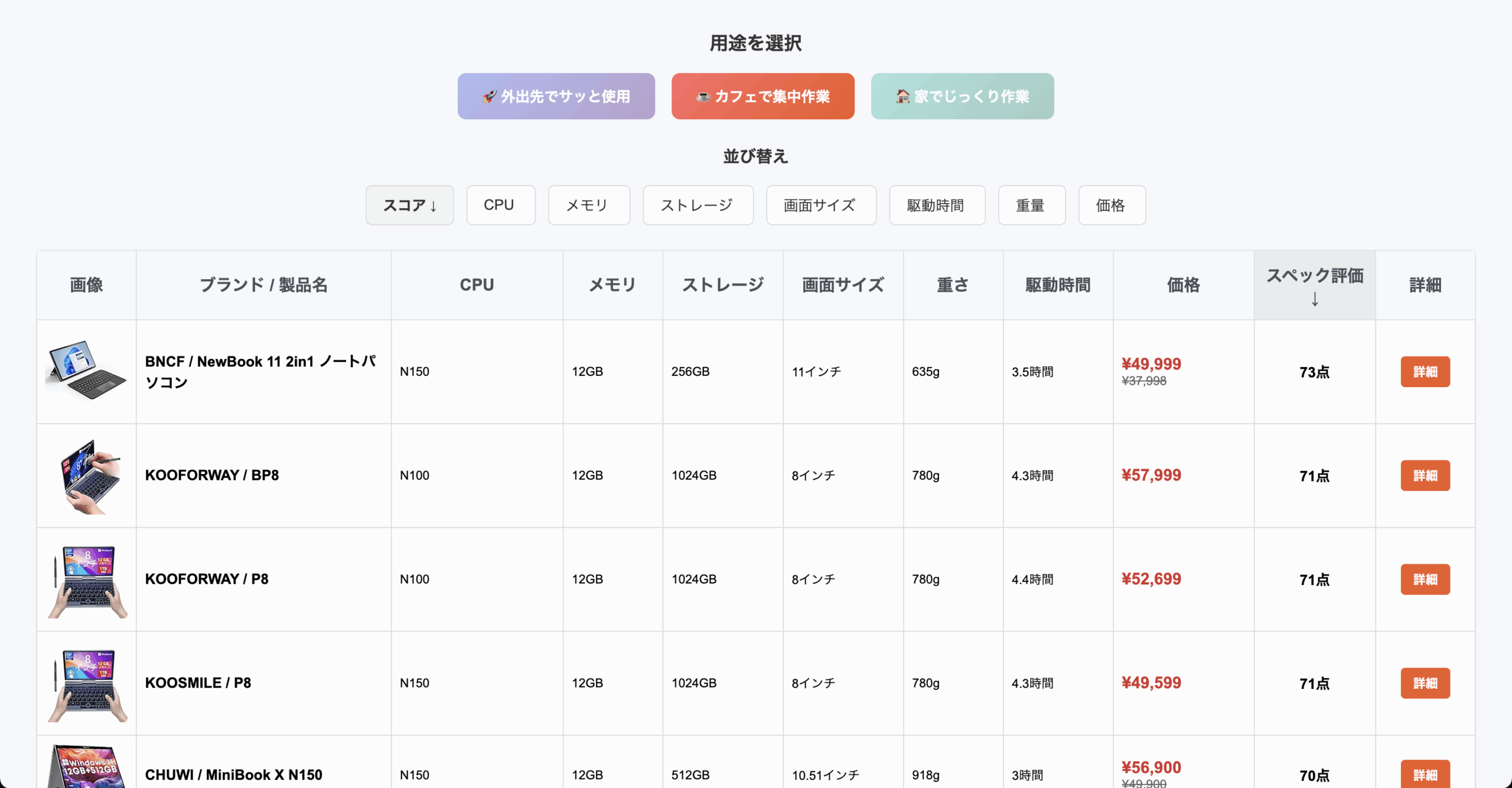
AmazonCompare compact Windows tablets, mini PCs, and laptops by specs and score.
Run by the same operator.
Related Articles
-


- How much memory and SSD storage for Mac mini: 16GB, 24GB, or 48GB?
- Is the iPad A16 Enough for Study Notes? Storage, Pencil, and iPad Air Differences
- How Much iPad Storage Do You Need: 128GB, 256GB, 512GB, 1TB, or 2TB?
- Can the iPad A16 Stream with OBS? Screen Recording, Storage, and iPad Air Tradeoffs
- Is iPad Pro good for video editing? M5, storage, and Final Cut Pro
- MacBook Pro or Mac mini: which Mac is better for creative work and development?
- Is the MacBook Air Good for Blender? M5, Memory, and 3D Limits
- Is the iMac Good for Music Production? M4, Memory, Storage, and Ports
- Should You Buy the iPad A16? iPad Air, iPad Pro, and Storage Choices
